iOS Development using SWIFT & SWIFT UI Full Course
Featured
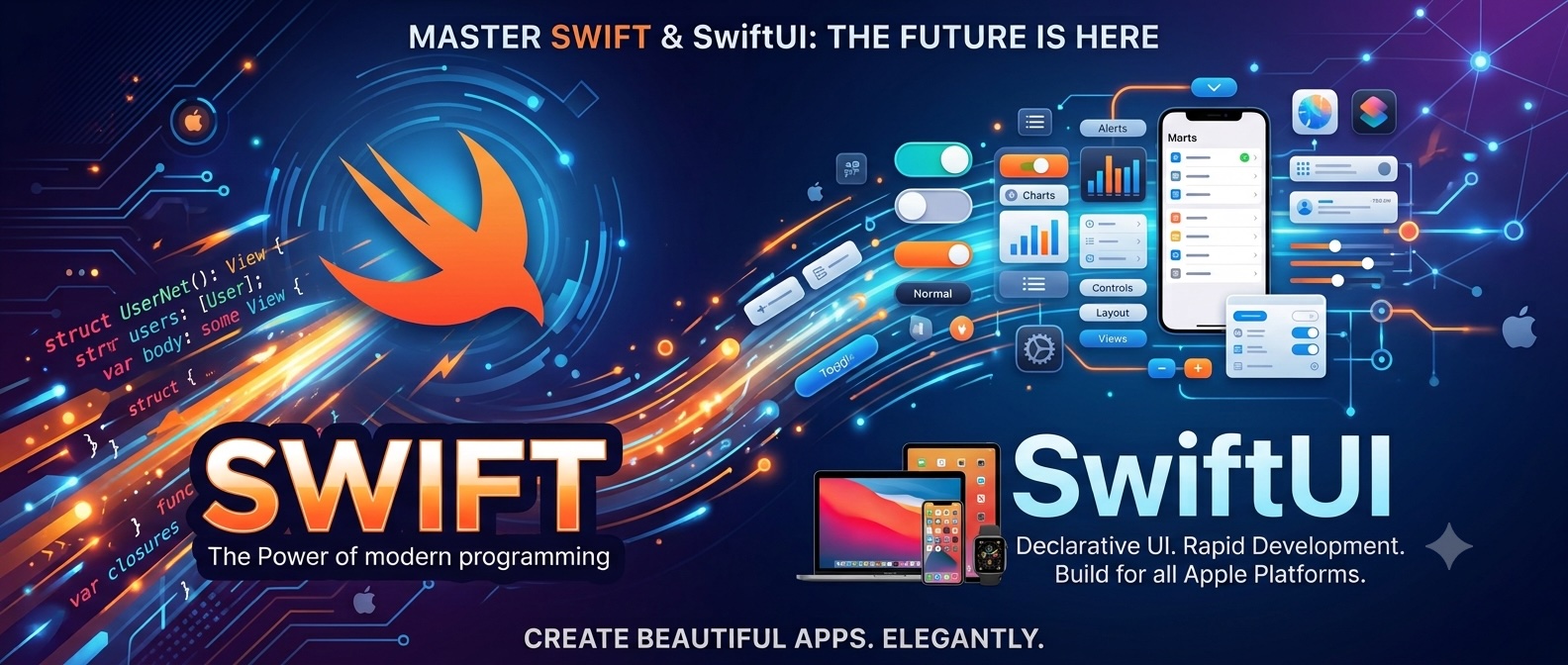
A comprehensive 12-week course taking you from Swift fundamentals to App Store deployment. Build real-world iOS apps using SwiftUI, MVVM architecture, REST APIs, SwiftData, and modern async/await concurrency.
- SwiftUI & UIKit
- MVVM Architecture
- SwiftData & Local Persistence
- REST API & Combine
- Unit Testing with XCTest
- App Store & TestFlight Deployment
- Real-World Capstone Project
About this course
This 12-week, project-focused curriculum takes you from writing your first lines of Swift to shipping a production-ready app to Apple's App Store. Rather than just focusing on syntax, the course is structured around real-world application—combining modern SwiftUI, essential UIKit concepts, clean MVVM architecture, live REST API integration, and persistent local data storage. Curriculum Breakdown at a Glance - Weeks 1–3: Swift Foundations & Concurrency Master Swift language fundamentals, protocol-oriented design, ARC memory management, and modern async/await concurrency. - Weeks 4–6: Declarative UI & Architecture Build responsive layouts in SwiftUI and UIKit while structuring your code using the MVVM design pattern. - Weeks 7–9: Networking & Data Persistence Fetch and parse live network data with URLSession and store offline data securely using SwiftData and UserDefaults. - Weeks 10–12: Testing, Capstone & App Store Launch Write unit tests with XCTest, profile performance in Xcode Instruments, build a full capstone app, and distribute it via TestFlight and the App Store. Requirement - Hardware Requirements A Mac Computer: Xcode (Apple’s development software) only runs on macOS. You’ll need a MacBook, Mac mini, iMac, or Mac Studio. - Technical Background Basic Logic Skills: No prior Swift or iOS experience is needed. Understanding basic programming logic (like variables, loops, and if/else statements in any language) helps you move faster, but total beginners can learn as they go.